Campaign Languages
Last updated: November 7, 2026
What this is
Advertisers can run a campaign in a language other than English. When they do, the landing page you host, the lead form your audience fills in, and the lead upload template you download are all in that language. You don't set anything up: the language comes from the advertiser's campaign, and everything arrives ready to use.
This article explains where you see the campaign language, what changes in the pages you host, and how lead upload works for these campaigns.
Key takeaway: Check the Campaign Language row on the RFP before you bid. It never changes after that. Host the page as usual, download the campaign's own template, and save your CSV as UTF-8. Both translated and English headers and values are accepted, and leads are stored against the English value.
Where you see the campaign's language
The RFP shows a Campaign Language row next to the flight dates and other main details, so you know which language the offer runs in before you bid. Every publisher who can see the RFP can see it.
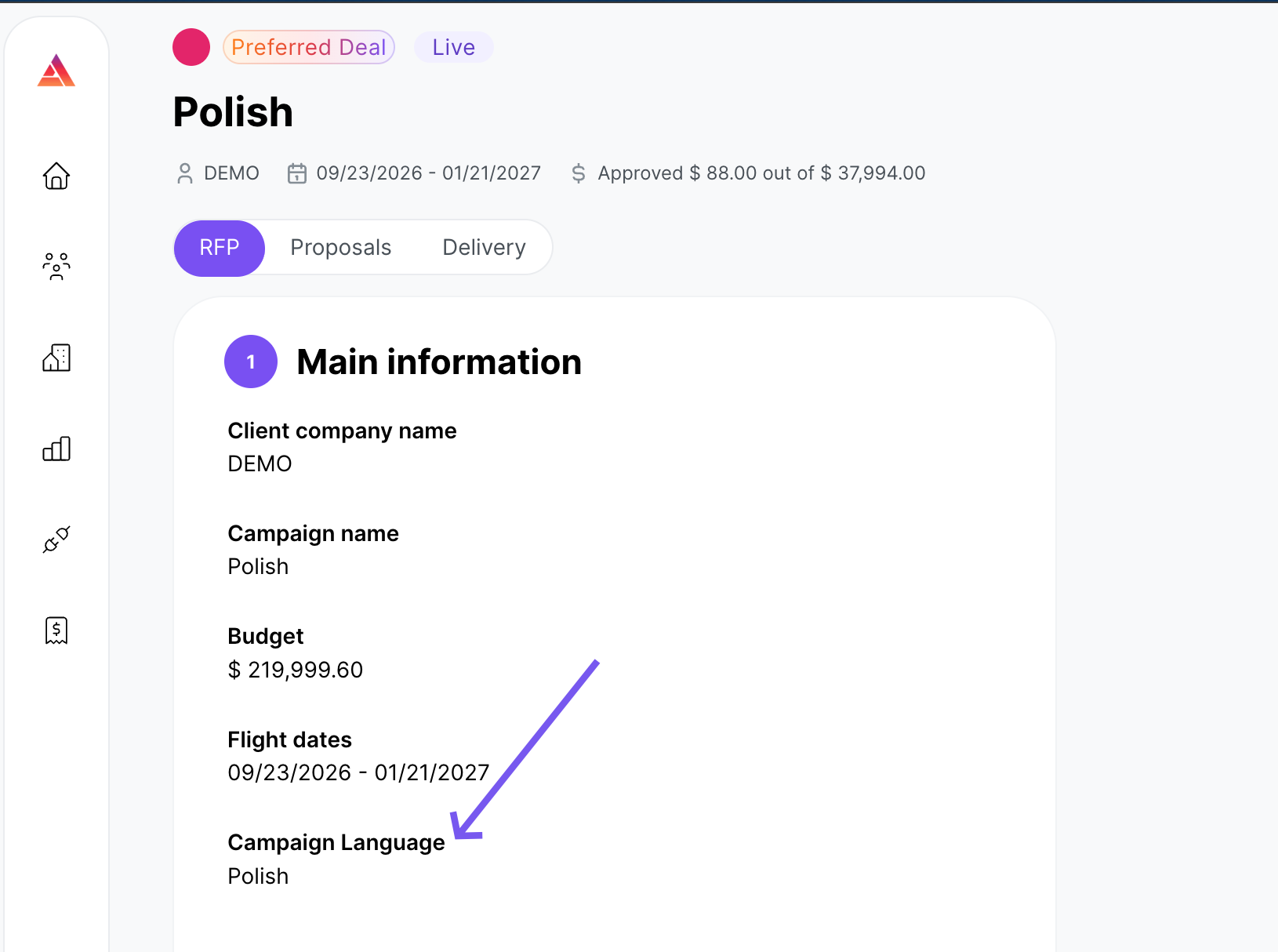
English is the default. A campaign with no language set runs in English, as before.
Note: The advertiser chooses the language while the campaign is still a draft, and it's locked once the campaign leaves draft. The language on an RFP you can see won't change later.
Audyence supports 22 languages besides English, including Spanish (Spain and Latin America), French (France and Canada), German, Dutch, Italian, Polish, Portuguese (Brazil), Swedish, Turkish, Arabic, Hebrew, Hindi, Bengali, Indonesian, Thai, Vietnamese, Japanese, Korean, and Chinese (Simplified and Traditional).
Landing pages you host
Nothing changes in how you get or deploy the page: preview it, download the bundle, and host it on your own servers. What changes is what the page says:
Page copy: headline, body, benefits, form heading, and button are in the campaign's language.
Form labels and answer options: shown in the advertiser's translations for that language, falling back to the English label for any field they haven't translated.
Consent text: the advertiser's translated consent for that language.
Thank-you page: in the same language.
Arabic and Hebrew: the page is laid out right to left.
Tip: Preview right-to-left pages (Arabic and Hebrew) before you deploy, as you would any other page.
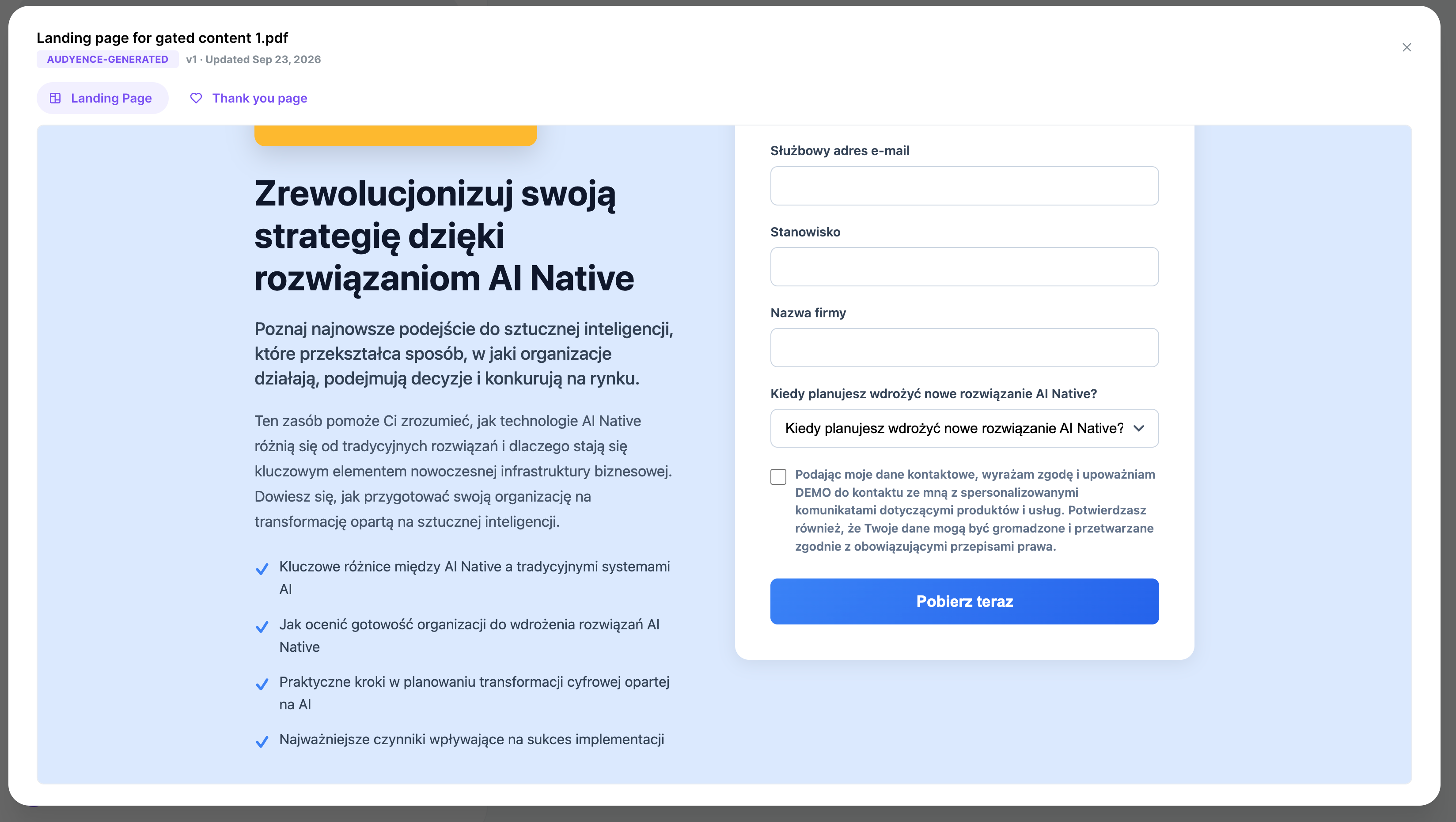
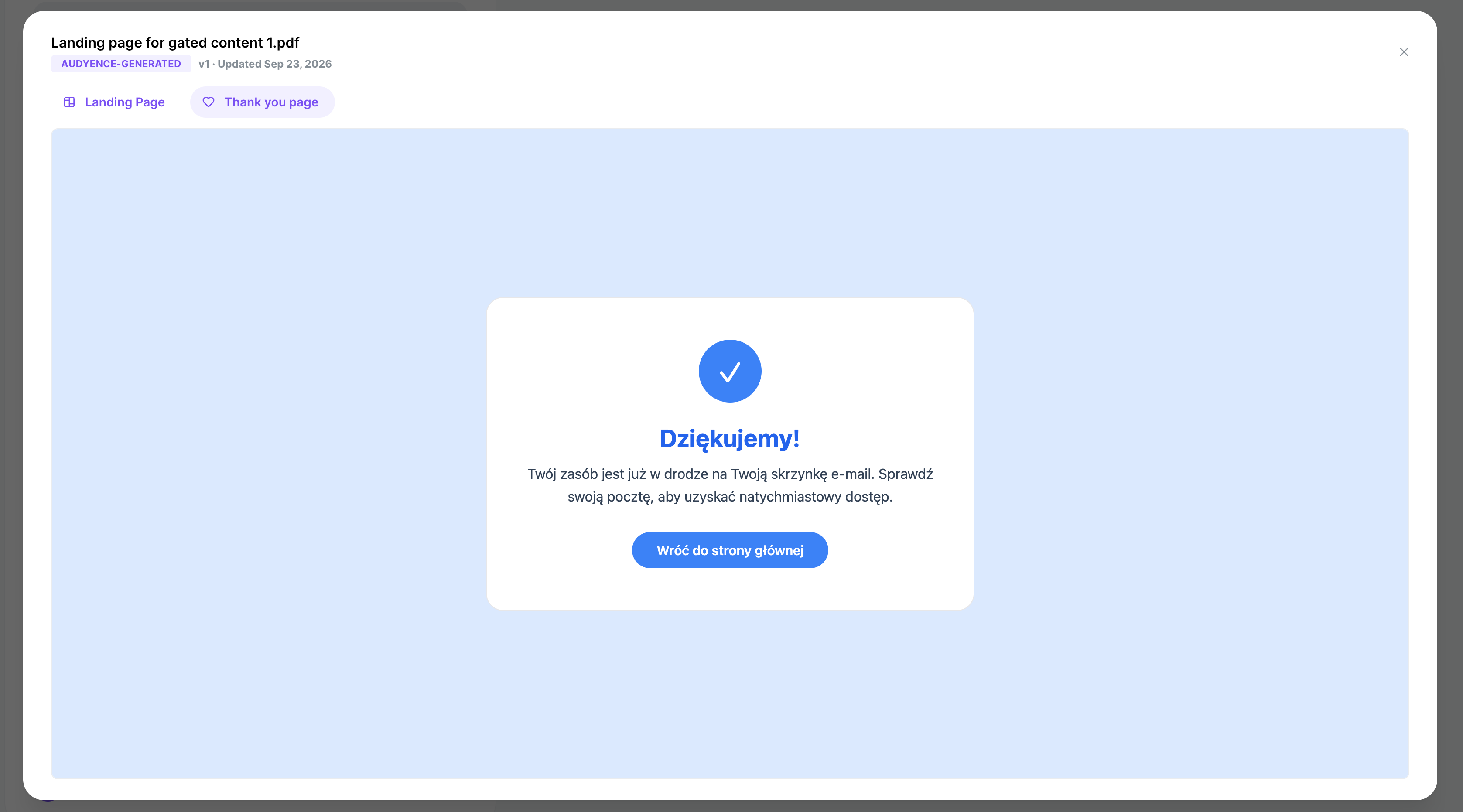
The page is still read-only: you host what the advertiser approved, and the form is already connected to Audyence.
A page you host never changes language, because the campaign's language is fixed before the RFP reaches you. If the advertiser edits their consent text after a package was released to you, your page keeps the consent it was released with. It isn't replaced automatically. When the advertiser republishes the page itself, you're notified to deploy the new version, the same as any other creative update.
Downloading the lead template
Download the template from the Delivery tab as usual. For a campaign in another language, the template has:
Headers in the campaign's language, falling back to the English label for anything the advertiser hasn't translated.
An example row showing a valid value for pick-list and qualifying-question fields.
UTF-8 encoding with a byte-order mark, so Excel opens non-Latin characters correctly.
Important: Always download the template for the specific campaign. Headers differ by campaign and by language.

Uploading leads
Upload works the same as for English campaigns: CSV, the same size limit, the same batch and pacing rules. A few things are more flexible for a campaign in another language:
Headers. Both the translated header and the original English label are accepted for the same field. A file built from the translated template and one built from an English template both map correctly.
Values. For pick-list fields and qualifying questions, a value is accepted either as the base (English) value or as the advertiser's translation of it in a language they currently have turned on. Matching ignores capitals and extra spaces (at the start, end, or repeated). Whichever form you send, the lead is stored and reported against the base value.
Names in non-Latin scripts are supported, including single-character Chinese, Japanese, and Korean first or last names, which are common and valid.
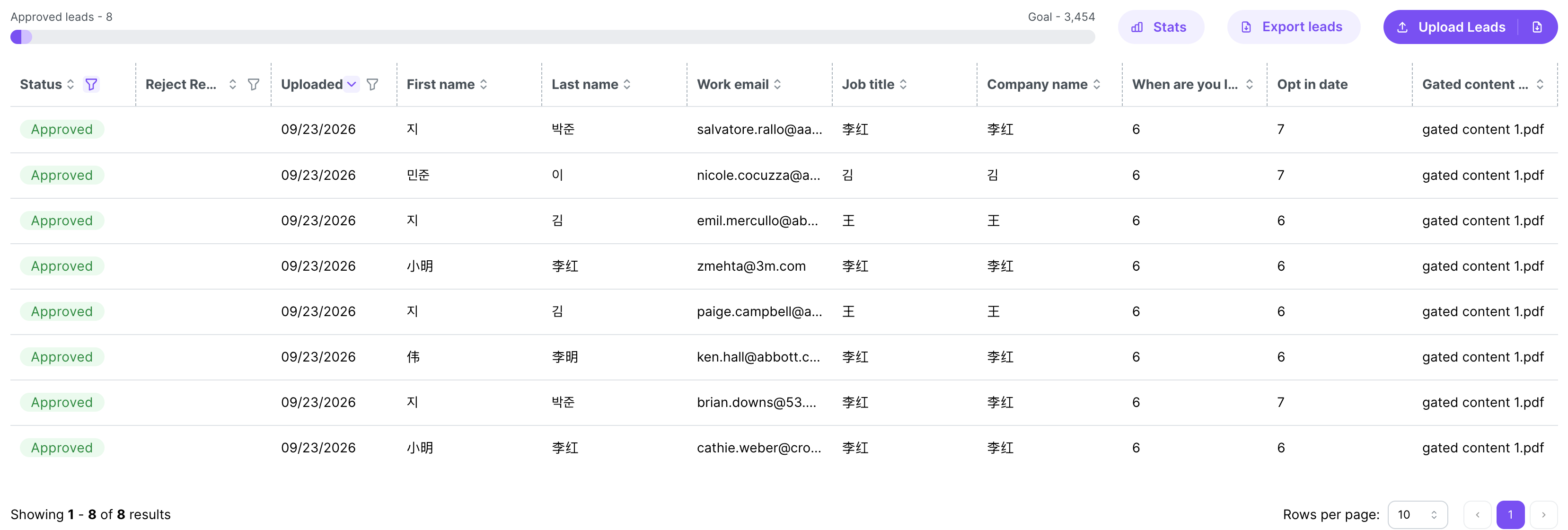
Everything else stays the same: business email requirements, the 500-character limit, required fields, and qualifying/disqualifying answers all work as described in Lead upload requirements and best practices.
Things to watch
A translated value is only accepted while the advertiser keeps that language turned on. If they remove it, send the base (English) values. The English value is always accepted.
A few headers may come through in English even on a translated template. When a field's translated label would be confusing (it matches another field's name, or two fields share the same translation), Audyence uses the English label for that column so the data lands in the right field. Use the template as it downloads.
Free-form answers are accepted as written, in any language.
Download the template again after the advertiser updates the campaign, so your headers match the current setup.
Warning: Save your CSV as UTF-8. In Excel, use File → Save As → CSV UTF-8 (comma delimited). In Google Sheets, use File → Download → Comma Separated Values (.csv): it exports UTF-8 by default. Don't save as "CSV (MS-DOS)" or "CSV (Macintosh)". These encodings break accented and non-Latin characters and cause rejections.