Hosting Campaign Landing Pages
Last updated: November 7, 2026
What this is
For campaigns that use Audyence-generated landing pages, you no longer design or build the landing page yourself. The advertiser defines and approves the page in Audyence, and you get a ready-to-host package. Every publisher runs the same branded, approved page, and the review rounds that used to delay campaign starts are gone.
This article explains what you get, when you get it, and what's expected of you.
Key takeaway: After allocation, download the ZIP from your campaign view, host index.html and thankyou.html exactly as provided, don't touch the form action, and download the gated assets within 12 hours. Redeploy promptly whenever the advertiser updates the page.
When you get the landing page
During RFP review: the RFP includes a Landing Pages step that says Landing page will be provided after allocation. You can bid knowing the page will be supplied.
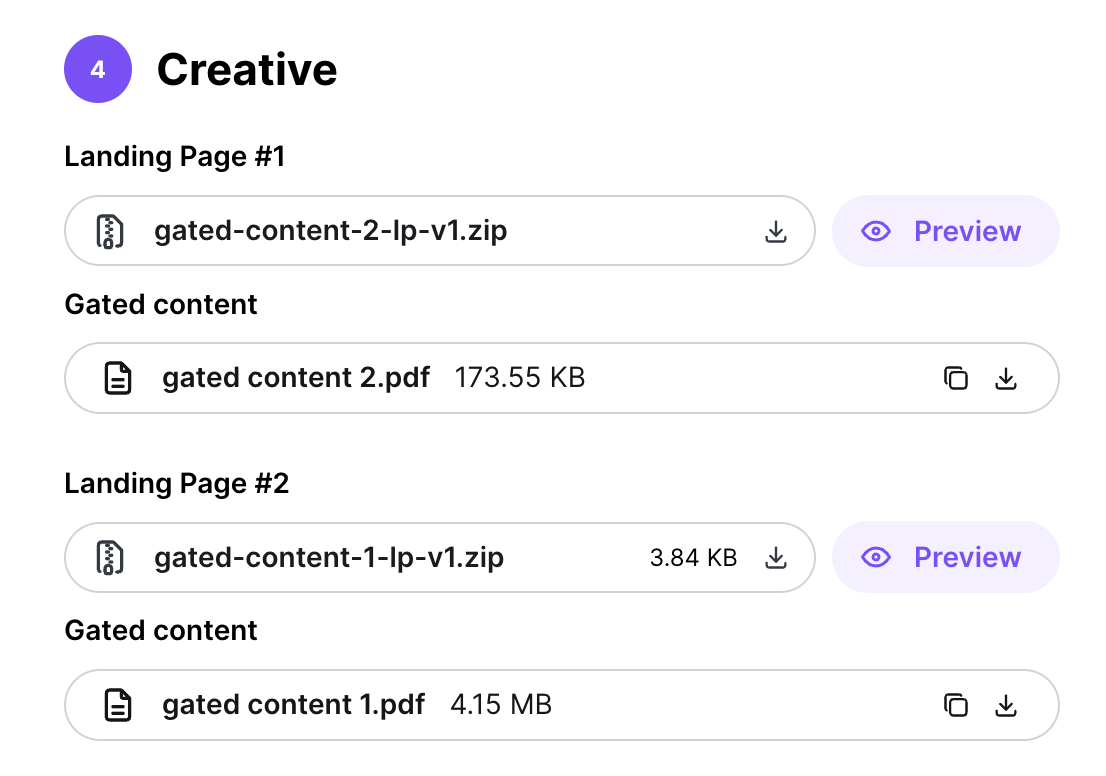
After allocation: once you're allocated, the landing page becomes visible and downloadable in your campaign view.
If the page is created or updated later: you get an email with the campaign name, brand name, the notification type (LP created or LP updated), and a link to view the page in Audyence.
What you get
The download is a ZIP file with:
File | What it is |
|---|---|
index.html | The landing page. Host this file at your publisher URL. |
thankyou.html | The thank-you page. Show it after a successful form submission. |
README.txt | Setup notes and links to the campaign's gated content assets. |

The page works on desktop, tablet, and mobile, and already includes:
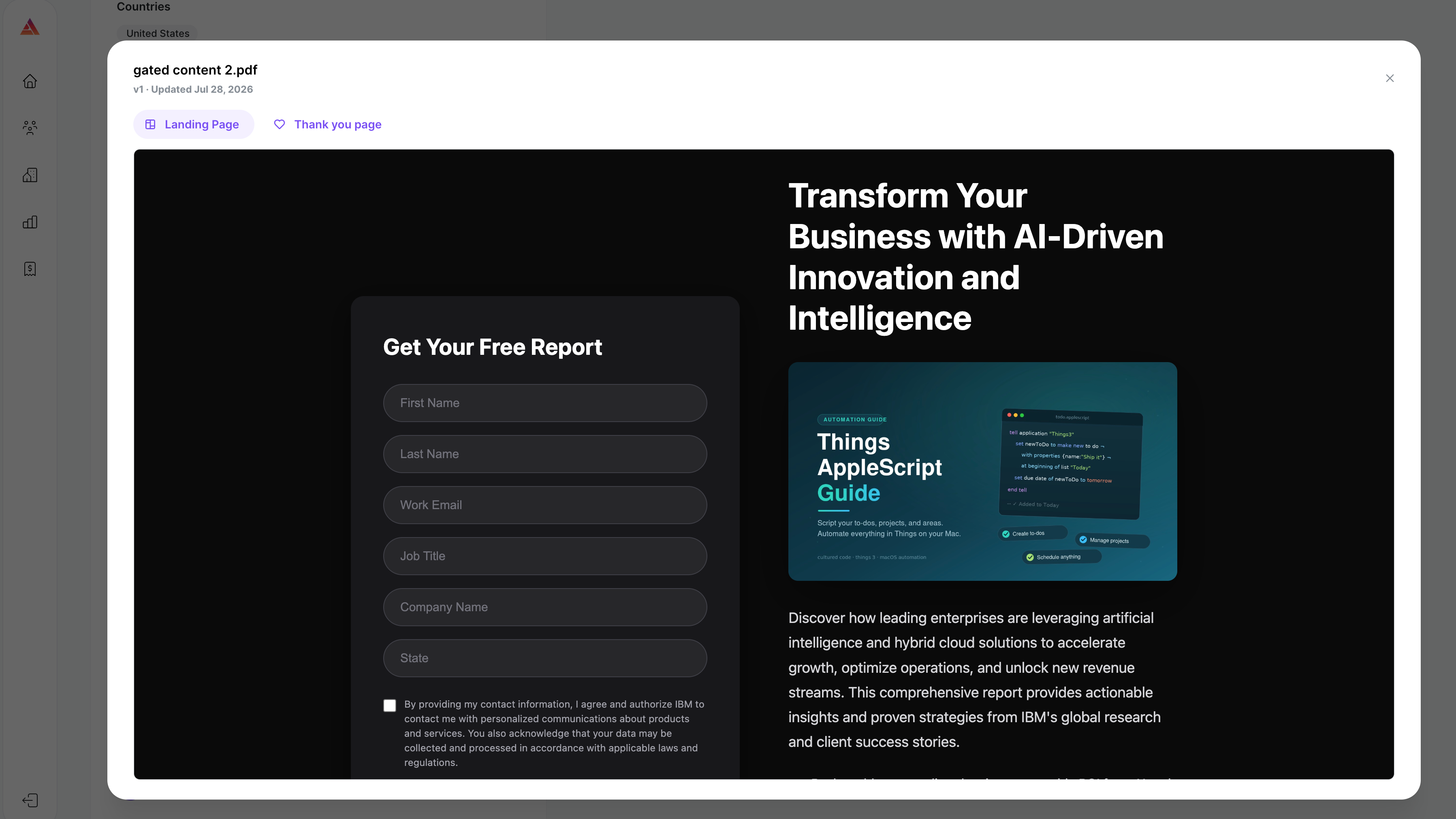
the campaign's gated content offer and creative
the full lead form with all required fields and pick-list values
the advertiser's consent language, including any links
the advertiser's branding: logo and favicon
Warning: Gated content assets aren't in the ZIP. The README lists secure download links for the campaign's assets, valid for 12 hours from when the bundle was generated. Download them right away. If the links expire, download the bundle again from your campaign view to get fresh links.
Preview before you host
Before downloading, you can preview the landing page from your campaign view exactly as leads will see it, including all form fields and consent language, in desktop, tablet, and mobile views. The preview shows the exact version you're expected to put live.
What's expected of you
Host the pages as provided. Put index.html and thankyou.html on your own web server or CDN without changing the design, branding, form fields, or consent language. The page is read-only in the platform: what the advertiser approved is what must run.
Redirect to the thank-you page. After a successful form submission, send the visitor to thankyou.html, where they get the gated content.
Keep it current. If the advertiser publishes an updated version, download the new bundle and redeploy promptly. Your current version stays live until you switch.
Important: Don't change the form action. The form in index.html sends leads to the Audyence endpoint already built into the HTML. Leave it as is so leads flow correctly.
Landing page updates mid-campaign
Advertisers can refresh their creative while a campaign is live. When that happens:
You get an email saying the landing page was updated, with a link to view it in Audyence.
Download the updated bundle from your campaign view.
Replace your hosted version with the new one.
Note: Until you deploy the update, the previous version stays live. Update promptly so leads see the advertiser's current offer.