Declining an RFP
Last updated: November 7, 2026
What this is
Sometimes an RFP isn't a good fit for you. This article explains when to decline an RFP, how to do it, and how declining affects your profile.
Key takeaway: To decline, select Reject on the RFP card. Occasional declines don't hurt your profile, but often declining RFPs in your listed specialty verticals may flag your profile as a mismatch.
Words to know
RFP: the campaign brief an advertiser sends to publishers. In the product, an RFP is shown as a card in your queue.
TAL (target account list): the list of companies the advertiser wants leads from.
When to decline
Decline an RFP when any of these are true:
The TAL is too small for your coverage.
The geo requirement doesn't match your audience.
The content asset is a poor fit for your audience.
You don't have capacity to deliver within the timeline.
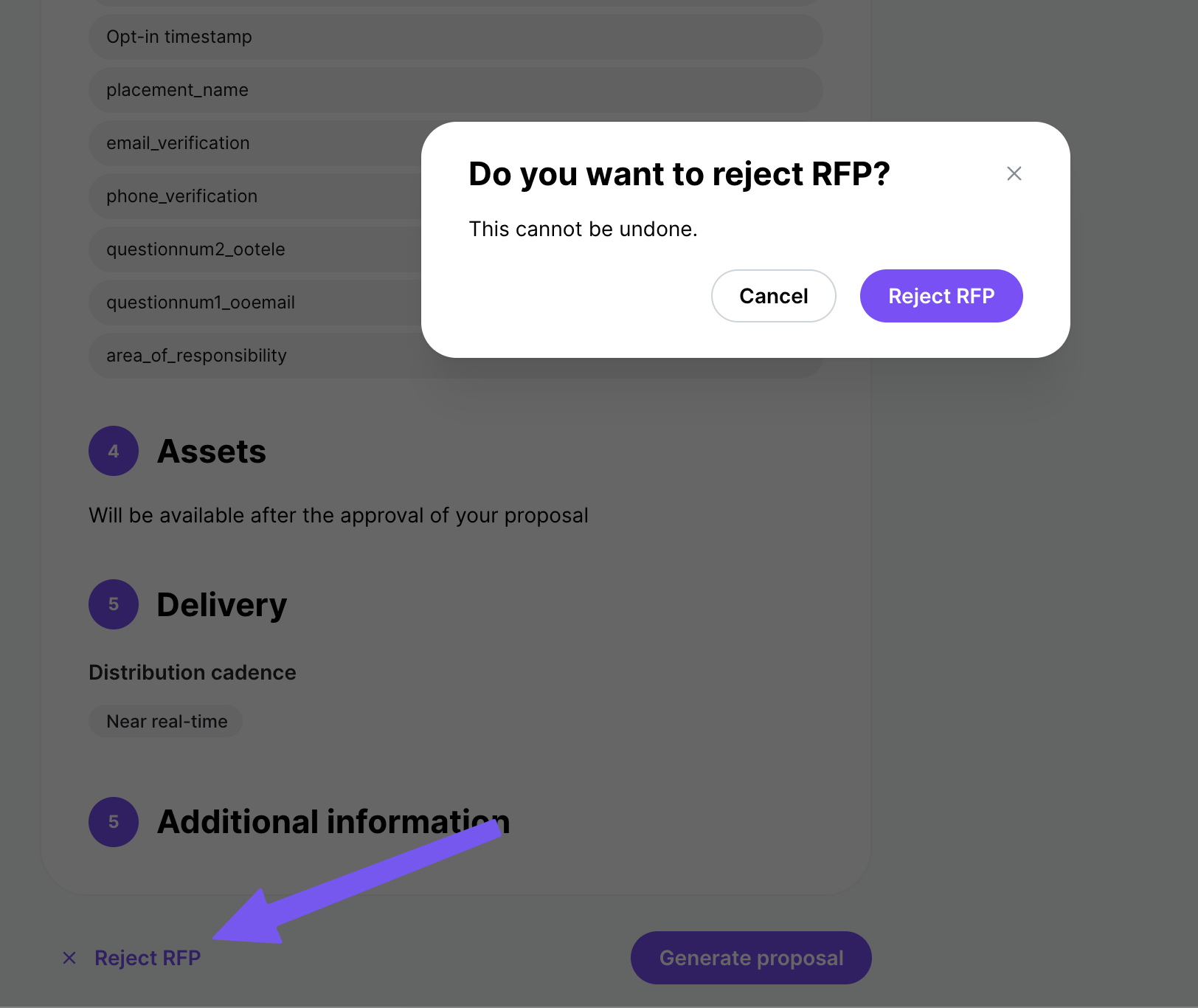
How to decline
Find the RFP card in your queue.
Select Reject on the RFP card.
The invitation is removed from your queue.
How declining affects your profile
Occasional declines are expected. They don't hurt your profile, as long as you bid when you can really deliver.
Watch your specialty areas. If you often decline RFPs in verticals you've listed as your specialty, your profile may be flagged as a mismatch.