Receiving Your Allocation
Last updated: November 7, 2026
What this is
What happens when you're allocated to a campaign, where to find everything, and what to expect if your allocation grows mid-campaign.
Key takeaway: When you're allocated, you get an email with a Review Proposal button. Your volume and CPE are on the Proposals tab, assets on the RFP tab, and your progress and upload template on the Delivery tab. Deliver at a steady weekly pace.
Your allocation email
If you're allocated to a campaign, you get an email confirmation with a Review Proposal button.
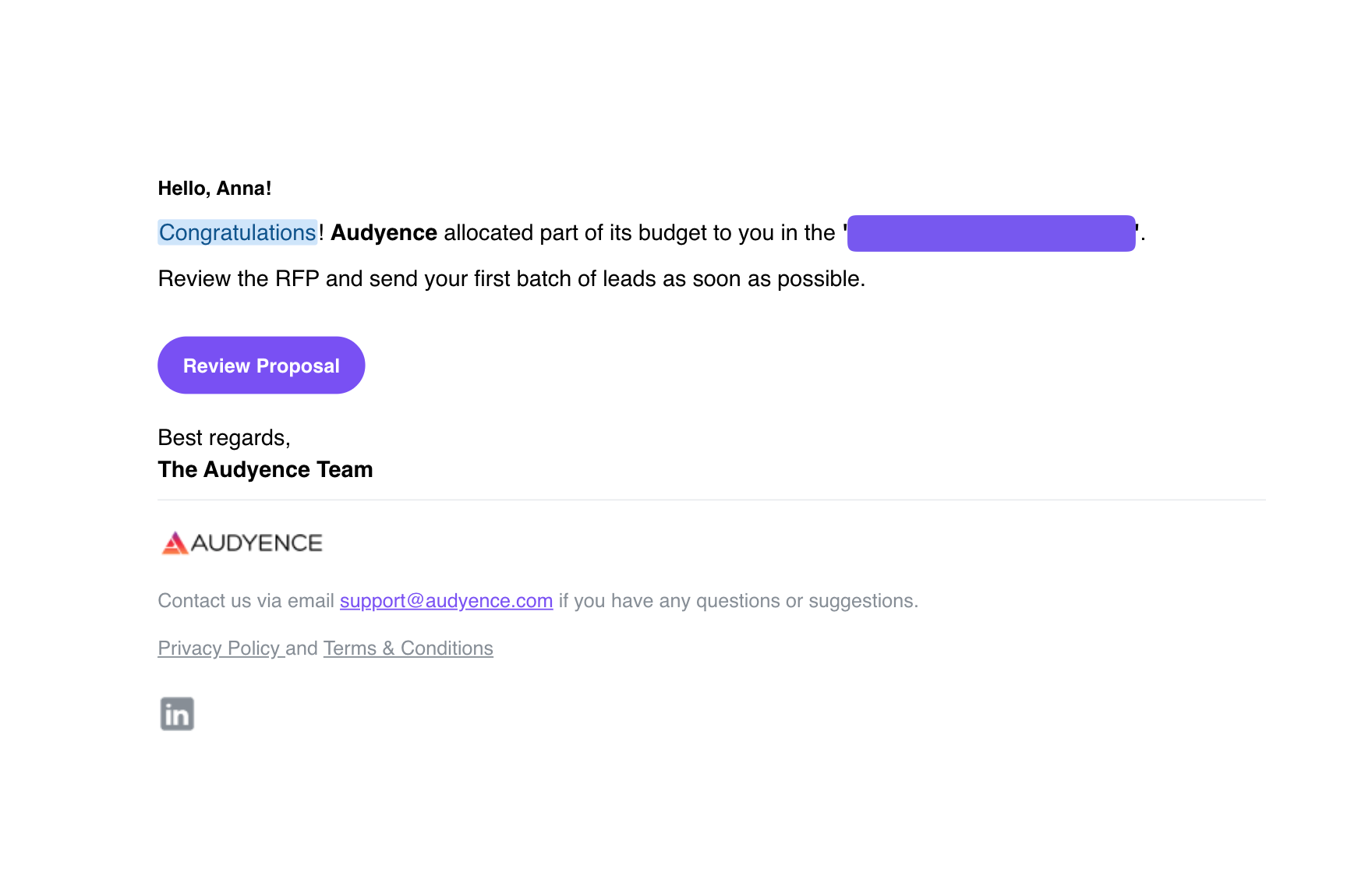
It takes you straight to the campaign, where you can find:
What | Where |
|---|---|
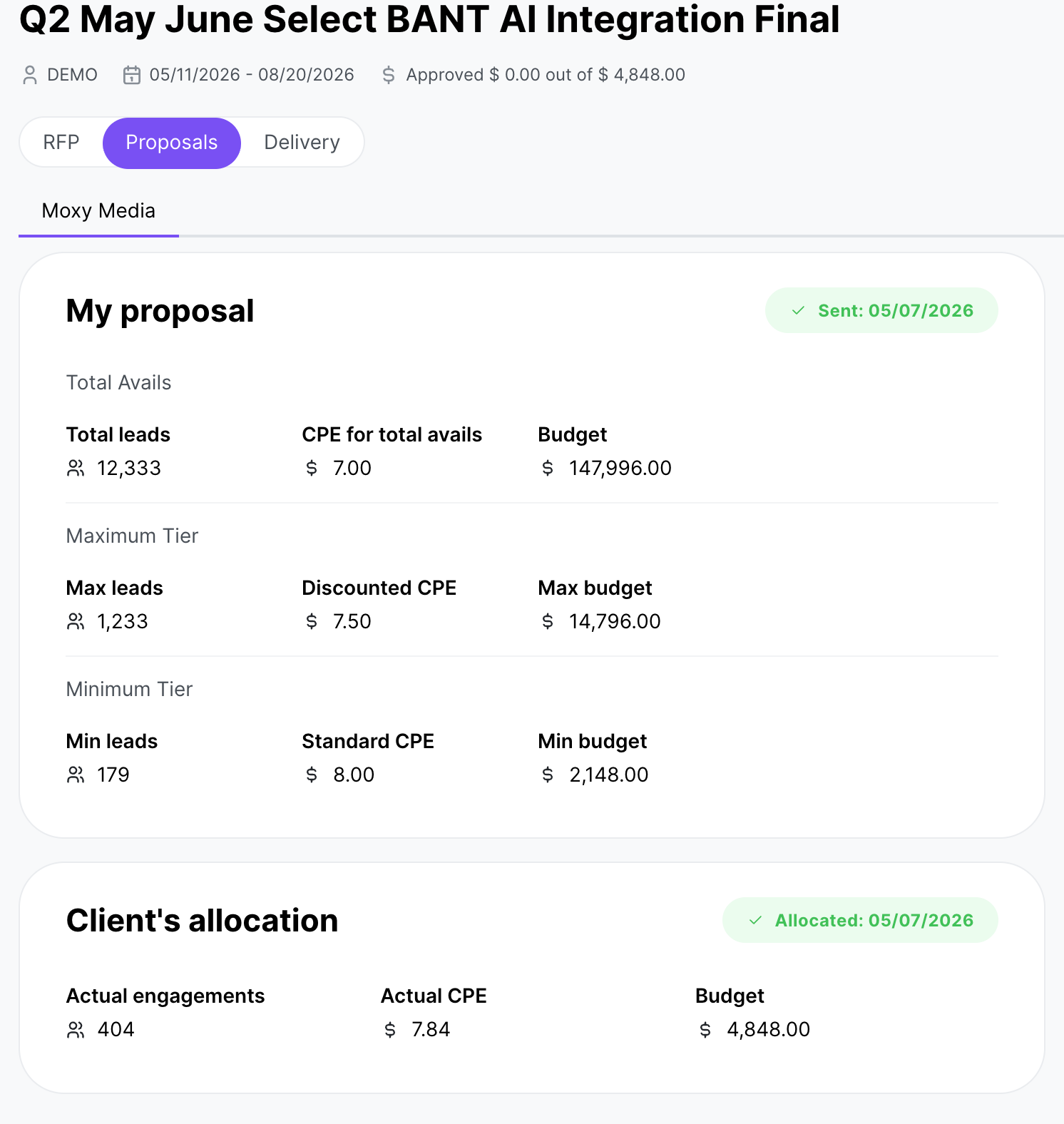
Your allocated lead volume and goal | Proposals tab |
The CPE assigned to you | Proposals tab |
The campaign dates | Top of the campaign |
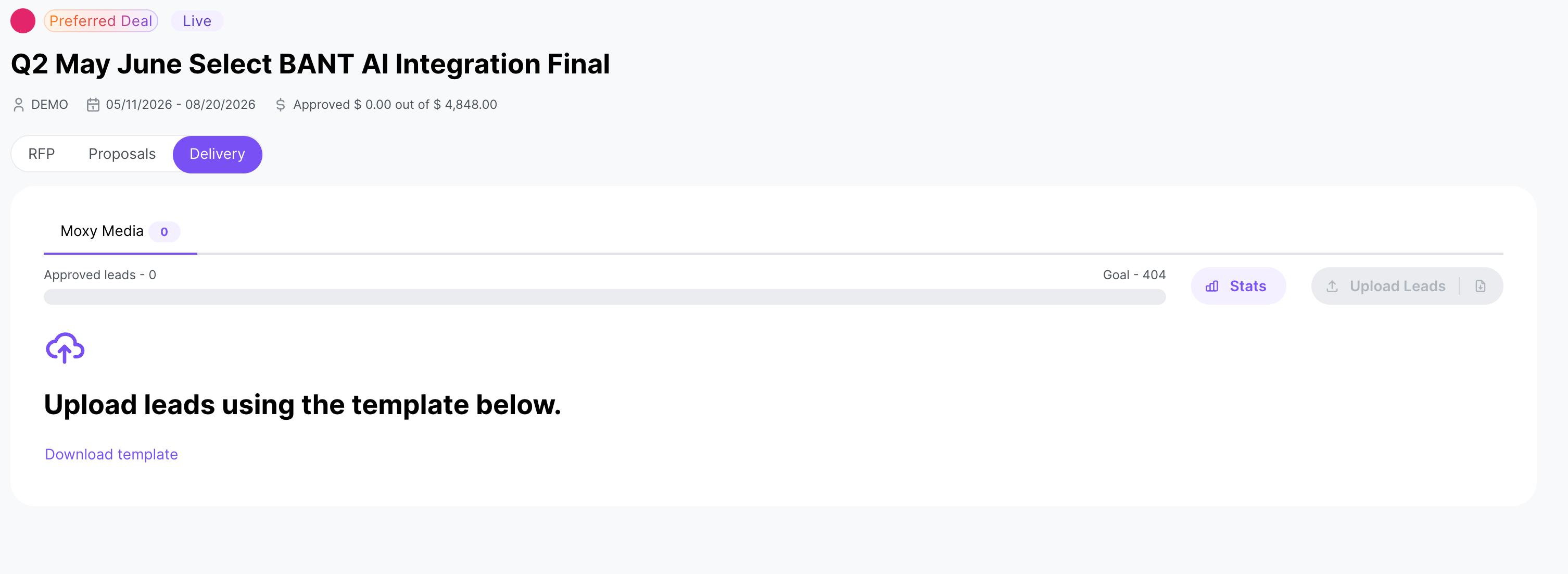
Your approved leads against the goal | Delivery tab |
Assets (gated content, logo, favicon) | RFP tab |
Lead upload template download | Delivery tab |
Note: The Delivery tab: open any campaign and click the Delivery tab to download the campaign's CSV template, upload leads, track your approved leads against the goal, and see each lead's live status and rejection reason. Click Export to download every lead you've uploaded, in any status, as a CSV with Lead Status, Rejection Reason and Lead Uploaded Date columns.
Weekly pacing
Warning: Deliver leads at a steady weekly pace against your total committed volume. Repeatedly missing pacing targets can lead to your remaining budget being reallocated to other publishers.
Once the campaign goes live, the lead upload screen turns on.
Allocation increases mid-campaign
Your allocation can go up while a campaign is live. When a buyer adds budget to an active campaign, the platform recalculates publisher lead targets and emails the publishers affected. The email includes your updated lead target, demand-side budget, and supply-side budget, and your dashboard shows the new targets right away.
Note: If you're added to a campaign for the first time through a budget increase (you submitted a proposal but weren't allocated at first), you get the standard campaign activation email instead of an allocation-increase email.