How RFPs Work
Last updated: November 7, 2026
What this is
When an advertiser creates a campaign on Audyence, the platform matches it to publishers whose audience profile, delivery history, geographic reach, and content capabilities fit the campaign. If you match, you get an RFP invitation.
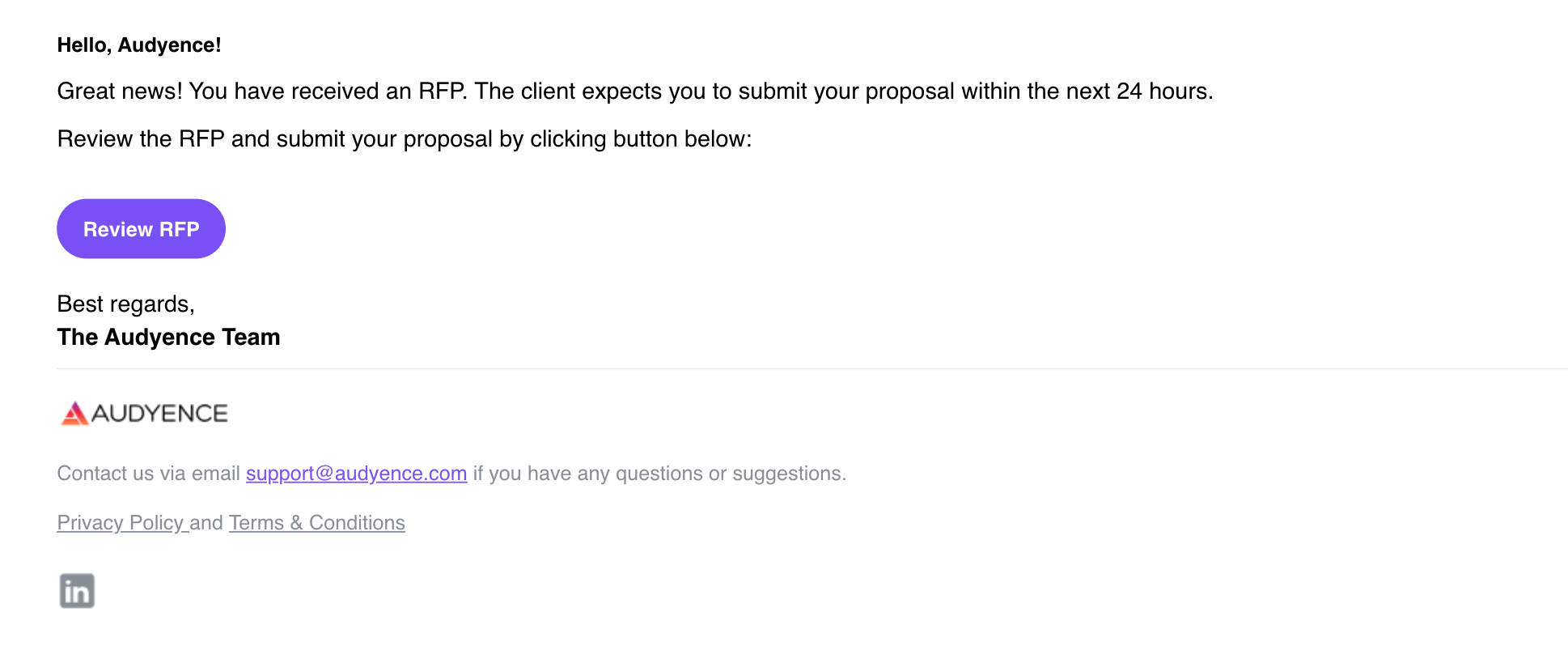
Key takeaway: You'll get an RFP invite by email and on your dashboard. You have 24 hours to review it and submit a bid. Click Review RFP in the email to open it.
How matching works
Matching is based on:
your publisher profile (see Optimizing your Profile and Opportunities)
your ability to deliver in the campaign's target geography
your past delivery performance on similar campaigns
how much your audience overlaps with the TAL (Target Account List)
Tip: Keeping your profile complete and accurate helps you get matched to the right RFPs.
The 24-hour window
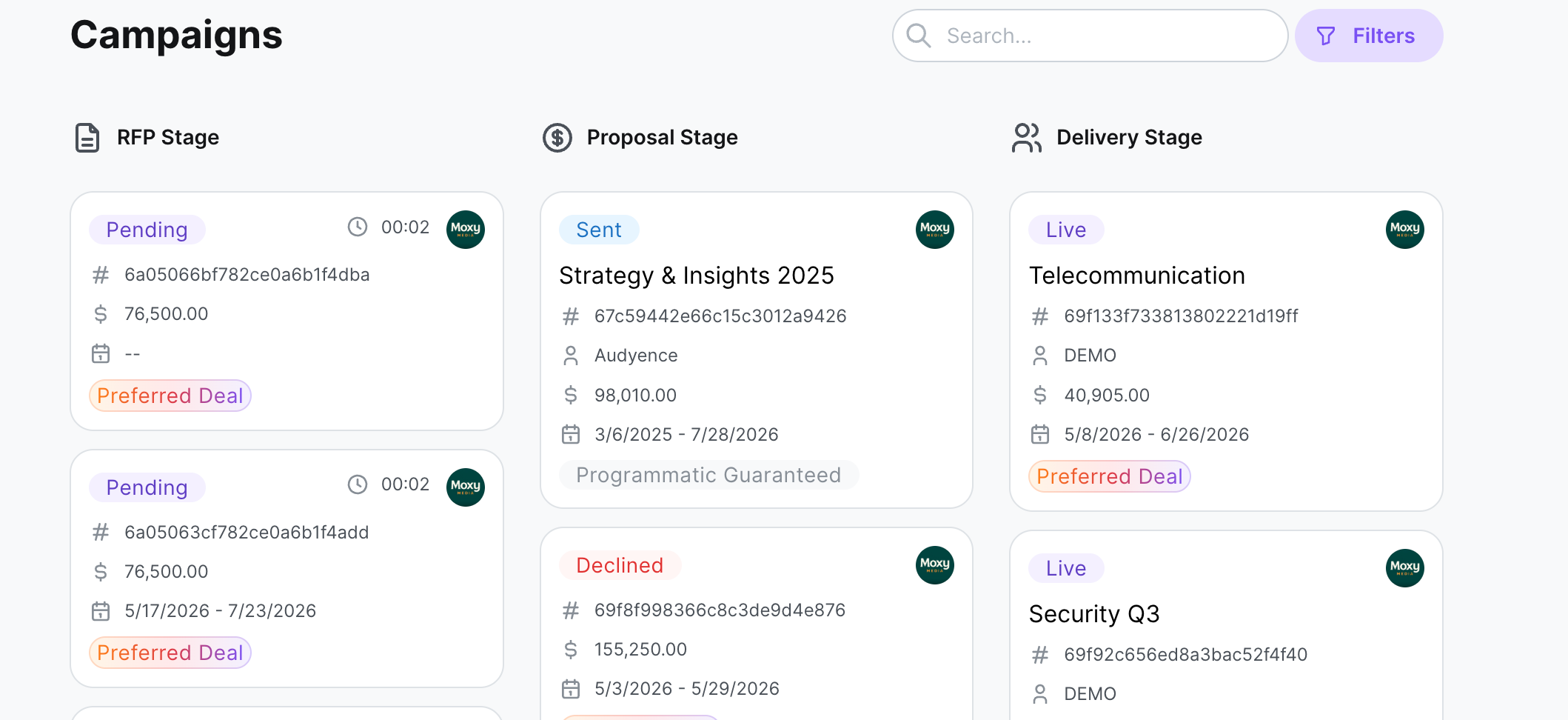
Once matched, you get an invitation by email and in your Audyence dashboard. You have a 24-hour window to review the RFP and submit a bid. After 24 hours, bidding closes and the platform combines all bids to decide allocation.
Warning: Bids can't be submitted after the 24-hour window closes.
Open the RFP
Click Review RFP in the invitation email, or go to your Dashboard and look for campaigns in Pending status. Review RFP opens the full RFP details for that campaign.